React Native and Expo Monitoring for Teams That Ship Fast
Mobile teams moving fast still need readable issues, release-aware debugging, and a clean way to see what broke once the app is on real devices.
On this page
Mobile bugs are harder because the environment is less uniform. The same interaction can fail on one device, one OS version, or one network shape while looking fine everywhere else.
Without a disciplined issue workflow, the team ends up debugging from user complaints, screenshots, and vague reproduction notes after the build is already in circulation.
Teams often instrument mobile late because they assume the first release will be small. That is exactly when you most need clean context for unexpected device-specific failures.
Initialize early, tag releases clearly, and keep mobile issues flowing into the same product language as the rest of the stack.
Why teams delay this work and regret it later
Teams postpone monitoring because the app looks calm before launch and because setup feels like work that can always happen tomorrow.
That logic breaks down once a real incident lands. At that point the team is trying to learn the product and build the monitoring workflow at the same time, which is the expensive order to do it in.
Start with the path that can actually fail
Mobile bugs are harder because the environment is less uniform. The same interaction can fail on one device, one OS version, or one network shape while looking fine everywhere else. This is why copy- pasting a generic snippet is not enough. You need the setup to match the runtime where the most important user journey can break.
That still does not mean the integration should be heavy. It means the first setup should be intentional enough that the resulting issue is useful.
A practical setup path
Choose the primary runtime
Pick the browser, server, edge function, or mobile runtime that sits closest to your riskiest user path.
Install the narrowest useful integration
Add the smallest explicit integration that captures that runtime cleanly and reviewably.
import { init } from "@vybesec/react-native"

init({ key: process.env.EXPO_PUBLIC_VYBESEC_KEY, platform: "expo", enableReplay: false })Trigger a deliberate test issue
Test the full loop from the real app, not only from an isolated snippet or platform log screen.
What teams usually skip in the verification step
A green install is not the same thing as a useful setup. The workflow only becomes real when the team can see a deliberate failure arrive with the route, runtime, and release context intact.
That is why the verification step deserves real attention. It is where you discover whether the product will help later or just look integrated today.
What to verify before you call it done
Initialize early, tag releases clearly, and keep mobile issues flowing into the same product language as the rest of the stack.
A good verification step proves more than installation. It proves that the right route, runtime, and error path all arrive in a readable incident view.
Verification checklist
- ✓Initialize before the first meaningful app interaction.
- ✓Tag release and platform explicitly.
- ✓Keep replay or device context privacy-safe.
- ✓Capture navigation context when possible.
- ✓Verify the flow on both simulator and real hardware.
Common questions
Where VybeSec fits
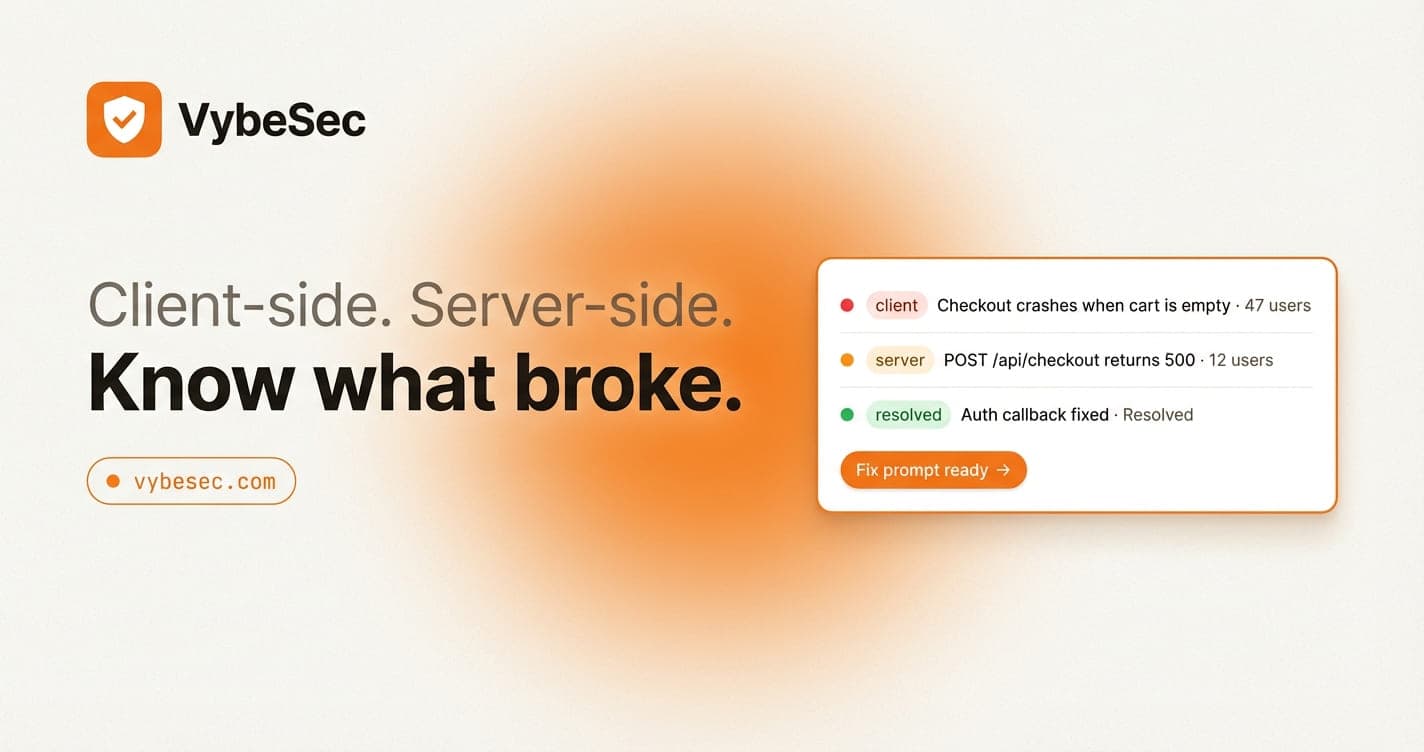
VybeSec is built to make this setup narrow but useful. The onboarding path distinguishes client and backend work, the snippets stay copyable, and the first real issue lands in a dashboard designed to be readable by the whole team.
That matters because a fast setup is only valuable when it leads to a reliable debugging loop later.
Want early access and more setup guides?
Join the waitlist if you want a monitoring workflow that fits modern builders, framework teams, and fast-moving product engineers.
Tools mentioned
Expo
A fast path to mobile shipping that still benefits from explicit release-aware monitoring.
React Native
A flexible runtime where device and OS context materially affect debugging.
VybeSec
Keeps mobile issues readable and aligned with the same product workflow used elsewhere.
Stay close
Want practical setup playbooks like this?
We publish implementation guides for client and server monitoring, alerting, and fix workflows you can ship quickly.
Related posts