Alert Fatigue Starts With Bad Routing, Not High Volume Alone
Teams do not ignore alerts only because there are many of them. They ignore alerts because the routing and message design teach them the product is not worth checking.
On this page
An alerting system trains behavior. If it sends shallow or badly routed messages, the team learns to mute the product before it learns to trust it.
Once the team stops trusting notifications, the issue feed becomes a passive archive rather than an operational surface.
It is common to blame users for ignoring alerts when the actual problem is that the messages lack context and arrive in the wrong places.
What this product surface should optimize for
Why default dashboards become noisy so quickly
The default dashboard pattern usually starts with raw events, big charts, and a lot of optional filters. That can look powerful while still failing the core product job.
The core job is to help the reader answer three questions quickly: what broke, how bad is it, and what should happen next. If the design does not support that sequence, the page is detailed but not useful.
What this workflow should do first
An alerting system trains behavior. If it sends shallow or badly routed messages, the team learns to mute the product before it learns to trust it. Product design in monitoring is mostly about ordering: what the team sees first, what evidence comes second, and where the repair path begins.
When that order is wrong, even good data feels noisy. When it is right, the product feels calm under pressure.
What teams feel on a weak dashboard versus a strong one
The failure mode to watch in the first month
Early dashboards often look fine until the second or third real incident. That is when the team starts to notice whether the issue feed is helping them think or merely showing that errors exist.
A strong product surface should get better as incidents repeat because grouping, summaries, and next actions become more valuable over time. A weak one only gets louder.
Design it around the response loop
Route alerts based on how the team works, reuse saved integrations cleanly, and let each alert point to one high-quality issue detail page.
That is the difference between a monitoring product and a pile of telemetry. The product understands the response loop and structures the data around it.
Product design checklist
- ✓Use the integration the team already watches.
- ✓Keep routing rules simple enough to understand.
- ✓Prefer grouped incidents over raw event spam.
- ✓Name the issue clearly in the alert payload.
- ✓Test alert delivery as part of setup, not after an outage.
Common questions
Where VybeSec fits
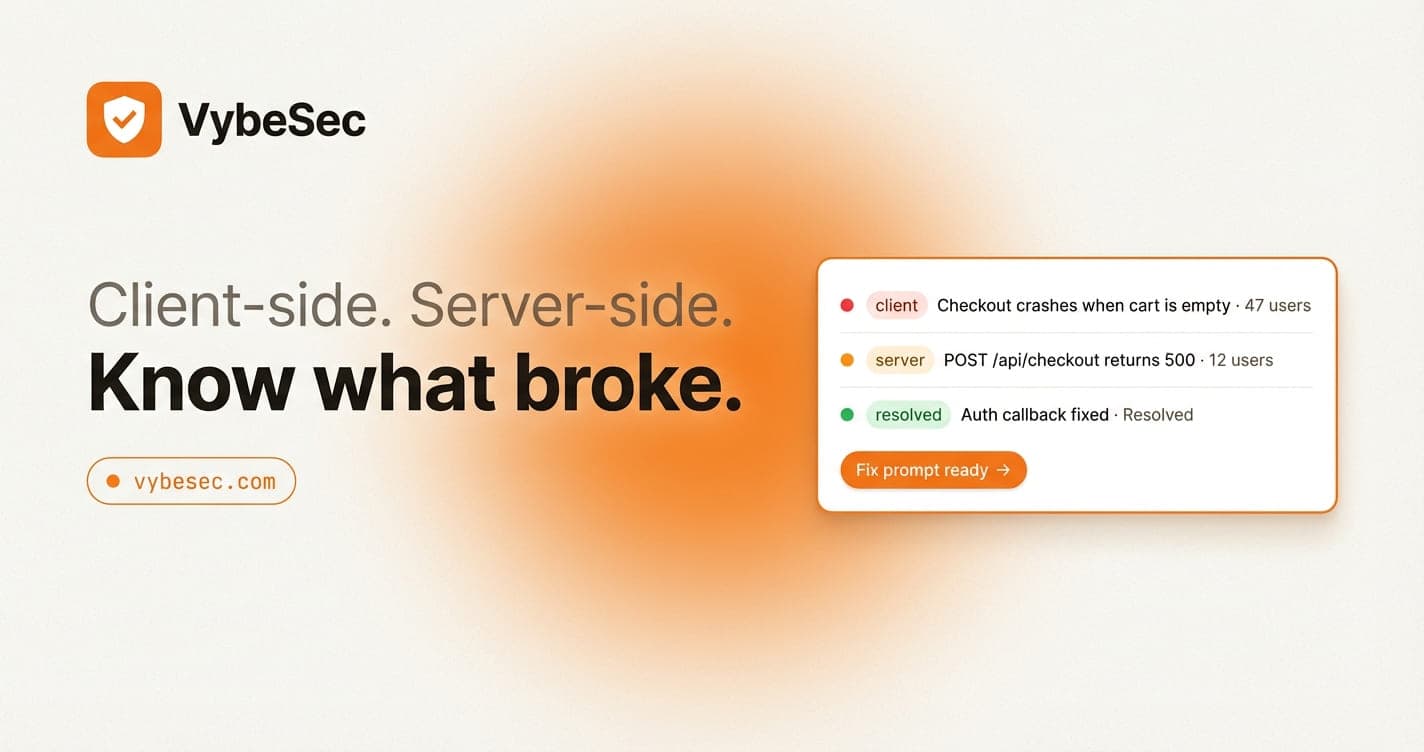
VybeSec is designed as a product surface first: readable issues, connected client and server context, optional replay where it helps, and remediation paths that fit the way AI-assisted teams already work.
That is why the product feels different from telemetry-heavy tools. It is optimized for incident understanding, not only for event collection.
Stay close
Want founder-ready monitoring insights?
Get concise operating notes on launch risk, incident response, and the product decisions behind resilient AI-built apps.
Related posts