Why Browser Errors Alone Do Not Explain Revenue Loss
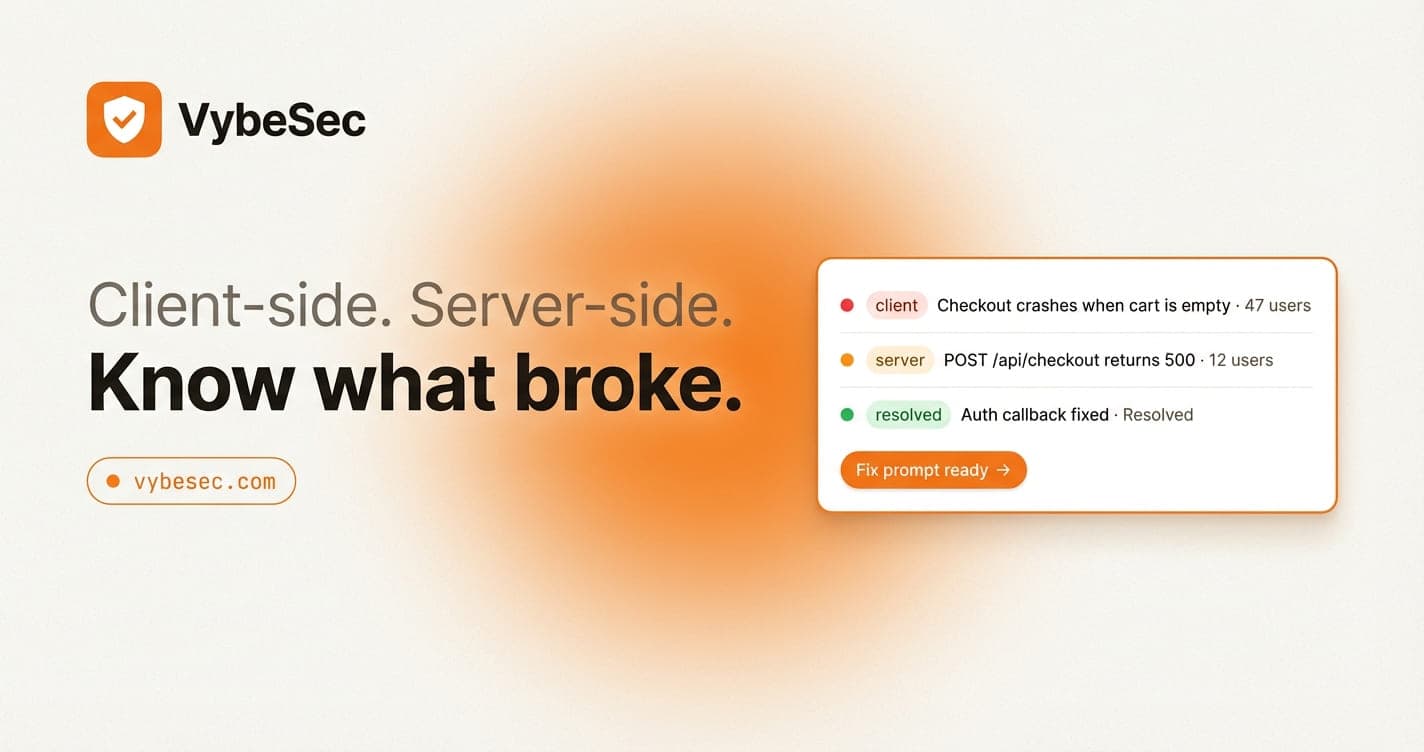
Revenue-impacting bugs usually cross the client-server boundary. Browser-only monitoring tells only part of the story, which is why the highest-value incidents stay muddy.
On this page
A browser error can tell you that checkout failed for the user. It often cannot tell you whether the root cause was a server exception, a malformed response, a bad secret, or a permission issue.
When the incident touches money, the team needs the shortest possible route to truth. Partial visibility creates expensive hesitation.
The common mistake is to see a frontend exception and assume the frontend owns the bug. In revenue flows, that assumption is often wrong.
What this product surface should optimize for
Why default dashboards become noisy so quickly
The default dashboard pattern usually starts with raw events, big charts, and a lot of optional filters. That can look powerful while still failing the core product job.
The core job is to help the reader answer three questions quickly: what broke, how bad is it, and what should happen next. If the design does not support that sequence, the page is detailed but not useful.
What this workflow should do first
A browser error can tell you that checkout failed for the user. It often cannot tell you whether the root cause was a server exception, a malformed response, a bad secret, or a permission issue. Product design in monitoring is mostly about ordering: what the team sees first, what evidence comes second, and where the repair path begins.
When that order is wrong, even good data feels noisy. When it is right, the product feels calm under pressure.
What teams feel on a weak dashboard versus a strong one
The failure mode to watch in the first month
Early dashboards often look fine until the second or third real incident. That is when the team starts to notice whether the issue feed is helping them think or merely showing that errors exist.
A strong product surface should get better as incidents repeat because grouping, summaries, and next actions become more valuable over time. A weak one only gets louder.
Design it around the response loop
Pair the browser symptom with the backend failure so the issue page reflects the full transaction path, not just the last place it surfaced.
That is the difference between a monitoring product and a pile of telemetry. The product understands the response loop and structures the data around it.
Product design checklist
- ✓Treat revenue bugs as multi-runtime until proven otherwise.
- ✓Capture route-handler or edge-function failures beside browser errors.
- ✓Keep user and transaction context visible.
- ✓Prioritize grouped issue views over raw logs.
- ✓Use alerts that mention the critical route explicitly.
Common questions
Where VybeSec fits
VybeSec is designed as a product surface first: readable issues, connected client and server context, optional replay where it helps, and remediation paths that fit the way AI-assisted teams already work.
That is why the product feels different from telemetry-heavy tools. It is optimized for incident understanding, not only for event collection.
Stay close
Want practical monitoring playbooks?
Get concise product notes and implementation guides for monitoring AI-built apps across client and server runtimes.
Related posts