Why Supabase Edge Functions Feel Silent When They Fail
Edge functions often power the most important product paths while staying out of sight. Without deliberate capture, they fail quietly and leave the browser holding the blame.
On this page
Edge functions feel lightweight because they are easy to create and deploy. That same convenience can make them disappear from the team’s mental model once the app is live.
If the browser only shows a generic response, the user reports a broken form while the actual root cause sits in a serverless function nobody is actively watching.
Platform logs become the fallback. That means the team only looks when something is already broken, and even then they are reconstructing the issue manually.
Make the function visible as a first-class runtime in the monitoring workflow, group its failures cleanly, and attach them to the user journey that triggered them.
What the real failure path looks like
Edge functions feel lightweight because they are easy to create and deploy. That same convenience can make them disappear from the team’s mental model once the app is live. The operational question is not whether an event exists. The question is whether the right part of the system can see it early enough to make a good decision.
That is why architecture matters here. The ingest path, the grouping model, and the issue surface all shape whether the product feels calm or fragmented under pressure.
What this architecture has to achieve
Where teams usually lose the signal
Platform logs become the fallback. That means the team only looks when something is already broken, and even then they are reconstructing the issue manually.
That creates a brittle operating model. People end up correlating logs, screenshots, and chat fragments instead of opening one incident view that already contains the important evidence.
The result is not just slower debugging. It is weaker product judgment, because the team still does not know whether the incident is small, systemic, or already resolved.
Typical setup versus a stronger setup
The goal is not more tooling. The goal is fewer mental joins during a live incident.
A cleaner implementation path
Make the function visible as a first-class runtime in the monitoring workflow, group its failures cleanly, and attach them to the user journey that triggered them.
The clean implementation path usually has three moves: instrument the important runtime, normalize the incident into a readable issue model, and verify the full loop with a deliberate test event.
A practical rollout path
Capture the right runtime first
Start with the runtime that can break the most important user journey. That might be the browser, an API surface, an edge function, or a Worker fetch handler.
Keep the setup narrow and explicit
Write the setup in one place, keep the key in the right secret store, and avoid copying half-finished snippets around the codebase.
init({ key: process.env.PUBLIC_KEY })Verify the full issue loop
Trigger a deliberate failure and make sure the resulting issue is readable enough that a teammate who did not write the route can still act on it.
What to keep visible after launch
Once the pipeline is live, the next job is not to add every advanced feature. It is to keep the incident surface readable: summary, route, runtime, user impact, and next action.
That is what lets architecture turn into product leverage instead of background plumbing.
Architecture review checklist
- ✓Name and wrap each function consistently.
- ✓Tag the function name in the captured event.
- ✓Preserve request context without leaking sensitive data.
- ✓Link the function failure to the browser symptom when possible.
- ✓Verify the workflow with deliberate test incidents.
Common questions
Where VybeSec fits
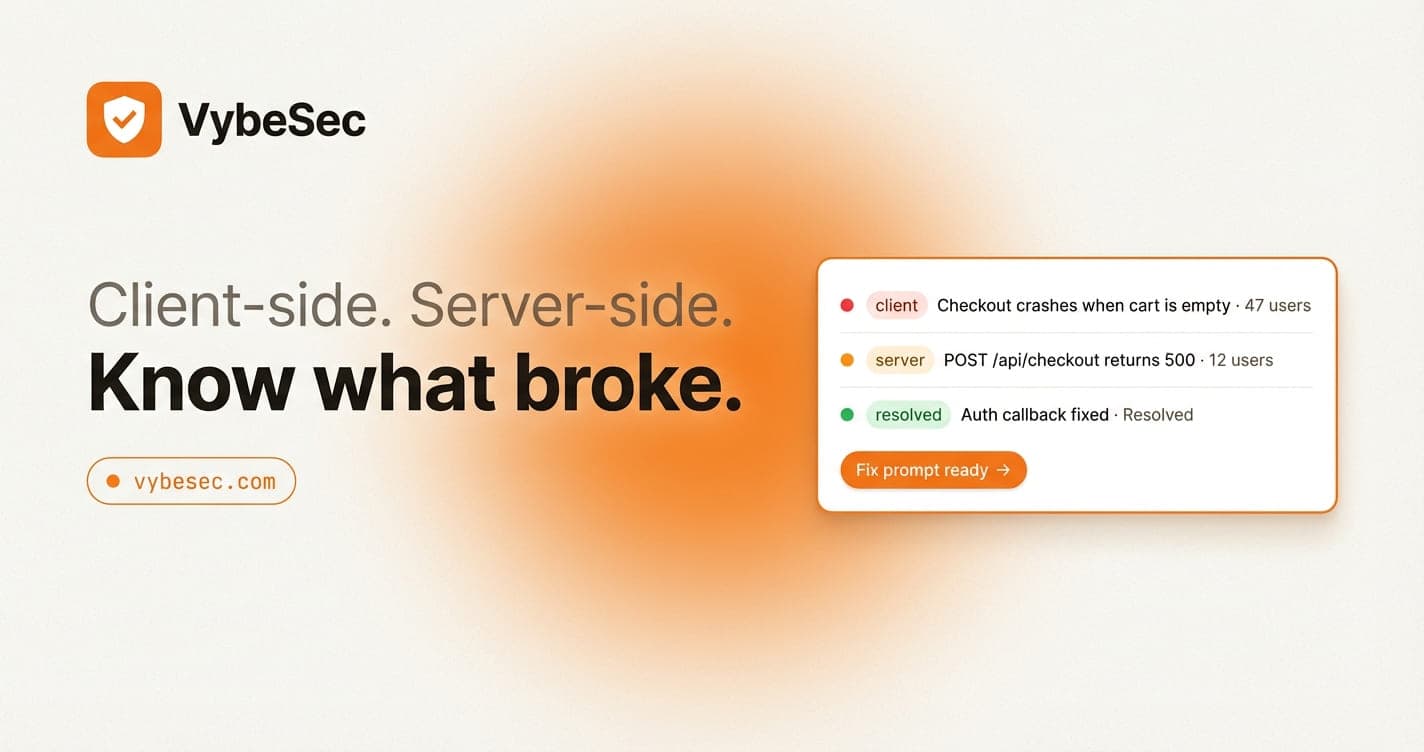
VybeSec is designed around this exact path: capture the signal where it happens, normalize it into one readable issue flow, and keep the client-side and server-side context connected so the incident stays understandable.
That is what makes the product useful to founders and small teams. The architecture is there to reduce operational drag, not to create another layer of technical ceremony.
Want the product notes and access updates?
Join the waitlist if you want a monitoring product built around real production response loops instead of raw log sprawl.
Stay close
Want practical setup playbooks like this?
We publish implementation guides for client and server monitoring, alerting, and fix workflows you can ship quickly.
Related posts